
- By Prateek Levi
- Thu, 28 May 2026 06:12 PM (IST)
- Source:JND
A lot of people today use two smartphones at the same time. One is usually kept for office work, while the other is used for personal needs. But things often get inconvenient when making UPI payments because most payment apps only work on the phone hosting the exact SIM card linked to your bank account. This means users usually have to carry that primary phone everywhere just to execute daily transactions.
ALSO READ: Jio And Airtel Rs 3,999 Prepaid Plans: OTT, AI And 5G Benefits Compared, Which Is Best For You?
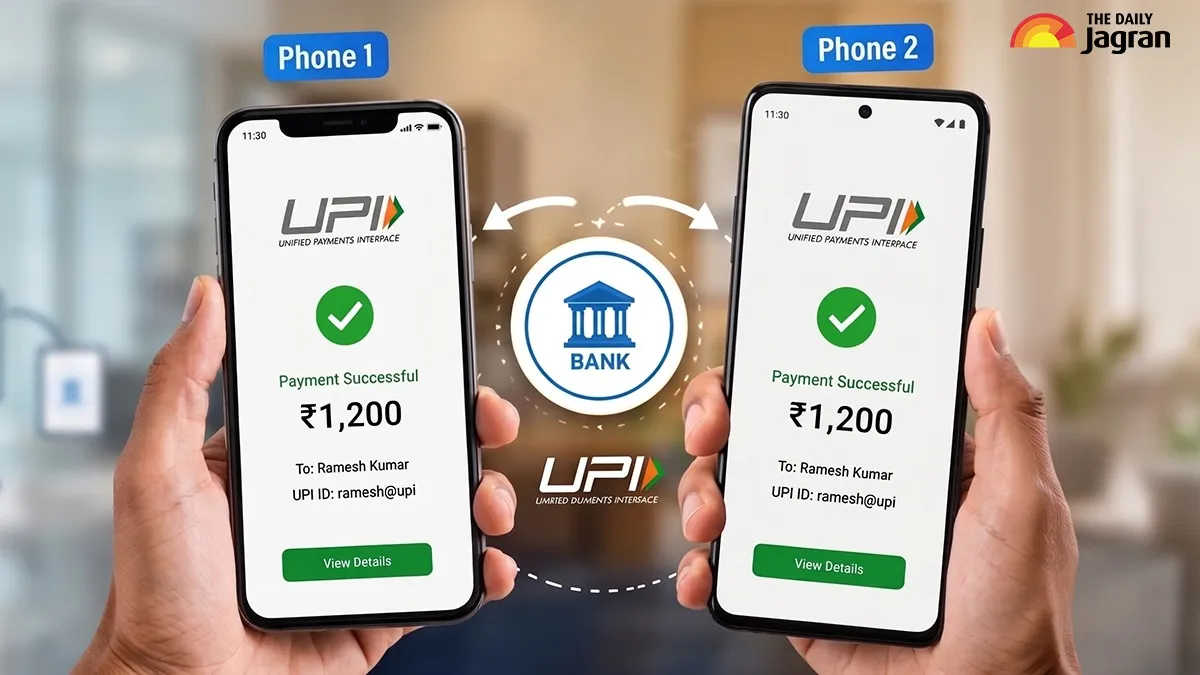
To solve this issue, payment applications have introduced a useful feature called UPI Circle. This new feature lets users access and authorize transactions from the same bank account across multiple devices, making dual-phone management much more convenient. Interestingly, some apps use slightly different branding for this tool. For instance, digital wallet like Google Pay offers this exact setup under a dedicated section called Pocket Money.
What Is UPI Circle?
UPI Circle is designed to let a primary bank account holder delegate payment access to another user or to their own secondary device. In simple terms, it allows one core bank account to be used securely across multiple phones without duplicating SIM cards or opening new accounts.
The feature is highly useful for families. Parents can allow their children to make digital purchases with limited access and controlled spending parameters. Similarly, professionals with two smartphones can link their secondary device to the main account, removing the need to carry both devices to the market.
How To Set Up UPI Circle
Setting up the feature is fairly simple and only takes a couple of minutes.
Start by opening your preferred UPI app on your primary phone. From there, head into your profile settings or menu to locate the UPI Circle or Pocket Money option.
Once found, tap on the "Invite Dependent" or "Add Member" button and input the contact number, UPI ID, or scan the QR code of the second device.
To complete the link safely, the app might ask the primary holder to input the secondary user's relationship and official government ID details for security verification.
You will then need to confirm the tie-up using your standard, secure primary UPI PIN.During configuration, you can choose between two distinct control modes.
The first mode requires you to manually approve every transaction request initiated by the second phone. The second mode allows you to set a fixed monthly allowance, letting the secondary device pay independently. Under NPCI guidelines, this independent allowance is capped at a maximum of ₹5,000 per individual transaction and up to ₹15,000 for the entire month.
ALSO READ: Meta's WhatsApp, Facebook And Instagram Will Now Ask For Payment For Additional Features
Once the configuration is finalized, the secondary device is securely linked to the primary account.
This allows you to pay digitally from whichever phone is in your hand, without constantly relying on your primary device.