
- By Prateek Levi
- Thu, 21 May 2026 04:58 PM (IST)
- Source:JND
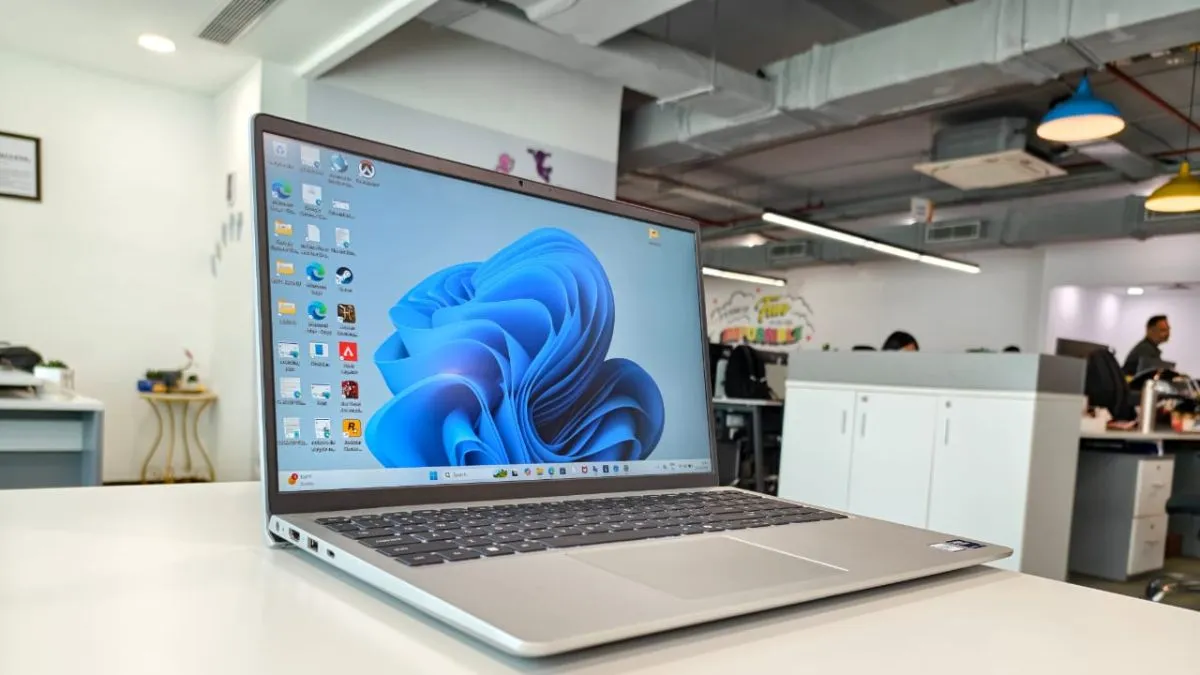
The new Dell 15 laptop made its way to India this month, and like many other products, this device also takes AI into focus. So to get an all-rounded view of how the device performs in all scenarios, we put it to the test, and here's what we found out.
Technical Specs And Configuration
Processor And Graphics
Before jumping into its performance, it's important to take a look at its specifications and what hardware and software modalities the laptop has under the hood. The silicon inside the device is an Intel(R) Core(TM) Ultra 5 225H, and this processor is made on a 3nm production node and has a clocking speed of 1.70 GHz. This silicon is best for daily workloads and can also be used for entry-level creativity if the user wants to stretch it. The processor has 14 cores and 14 logical processors.
ALSO READ: Apple Unveils AI-Powered Accessibility Features For iPhone, Mac And Vision Pro Ahead Of WWDC 2026
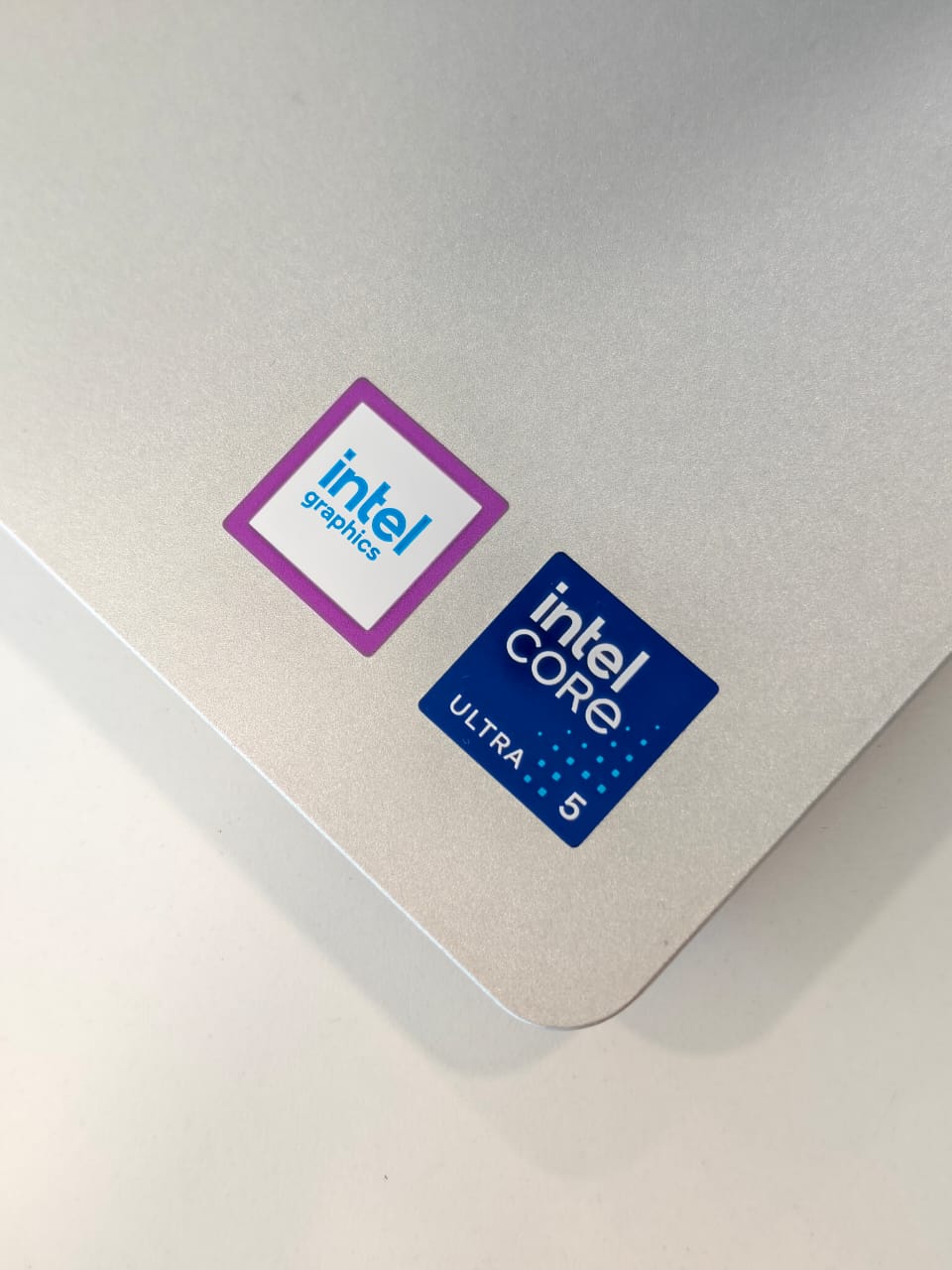
As far as RAM is concerned, the device has 16 GB of RAM, and for graphics and display, the system comes with a 2 GB integrated GPU (iGPU). The reason why I have mentioned these two together is that the Dell 15 2026 does not have a dedicated GPU, so it borrows the 2 GB VRAM from its 16 GB RAM, but it shows 9 GB VRAM in settings because if and when required, the system can borrow more RAM up to 6 or 8 GB, and that is the reason why we were able to test high-end games on it, although I should mention that this is not a gaming device and the performance is accordingly replicated.
The device has a 15.6 inch non-touch FHD (1920x1080 pixel), 60 hertz display, and the version we have has a 1TB NVMe SSD for faster processing and transfers. The keyboard is backlit, and for software it is loaded with Windows 11 and comes with a dedicated AI Copilot hotkey, which is one of the major highlights of this system.
Ports
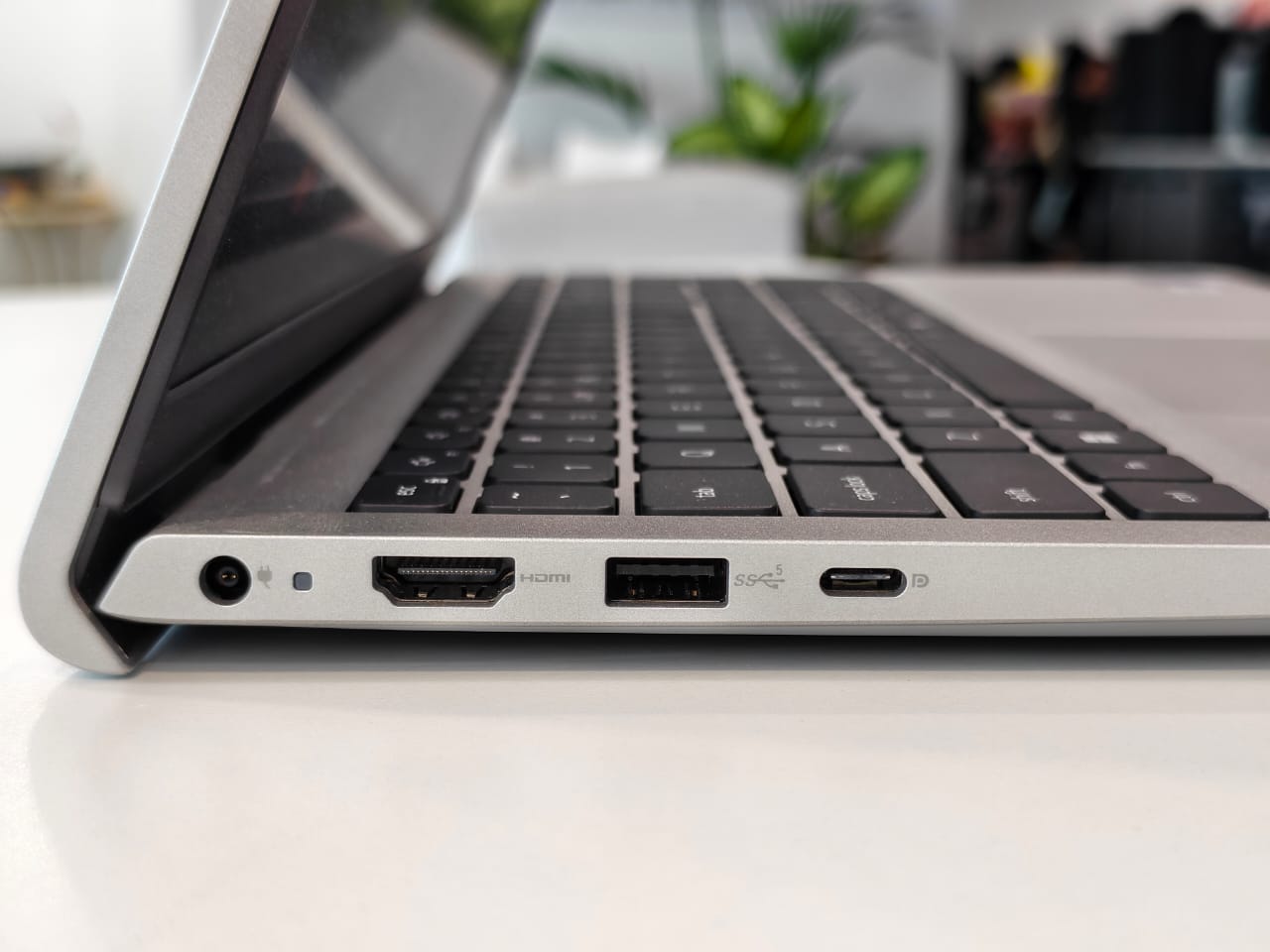
The Dell 15 (D15260) comes with a practical selection of ports spread across both sides of the laptop. On the left, you get a 4.5mm charging port, an HDMI 1.4 connector, a USB 3.2 Gen 1 Type-A port, and a USB 3.2 Gen 2 Type-C port that also supports DisplayPort and Power Delivery.
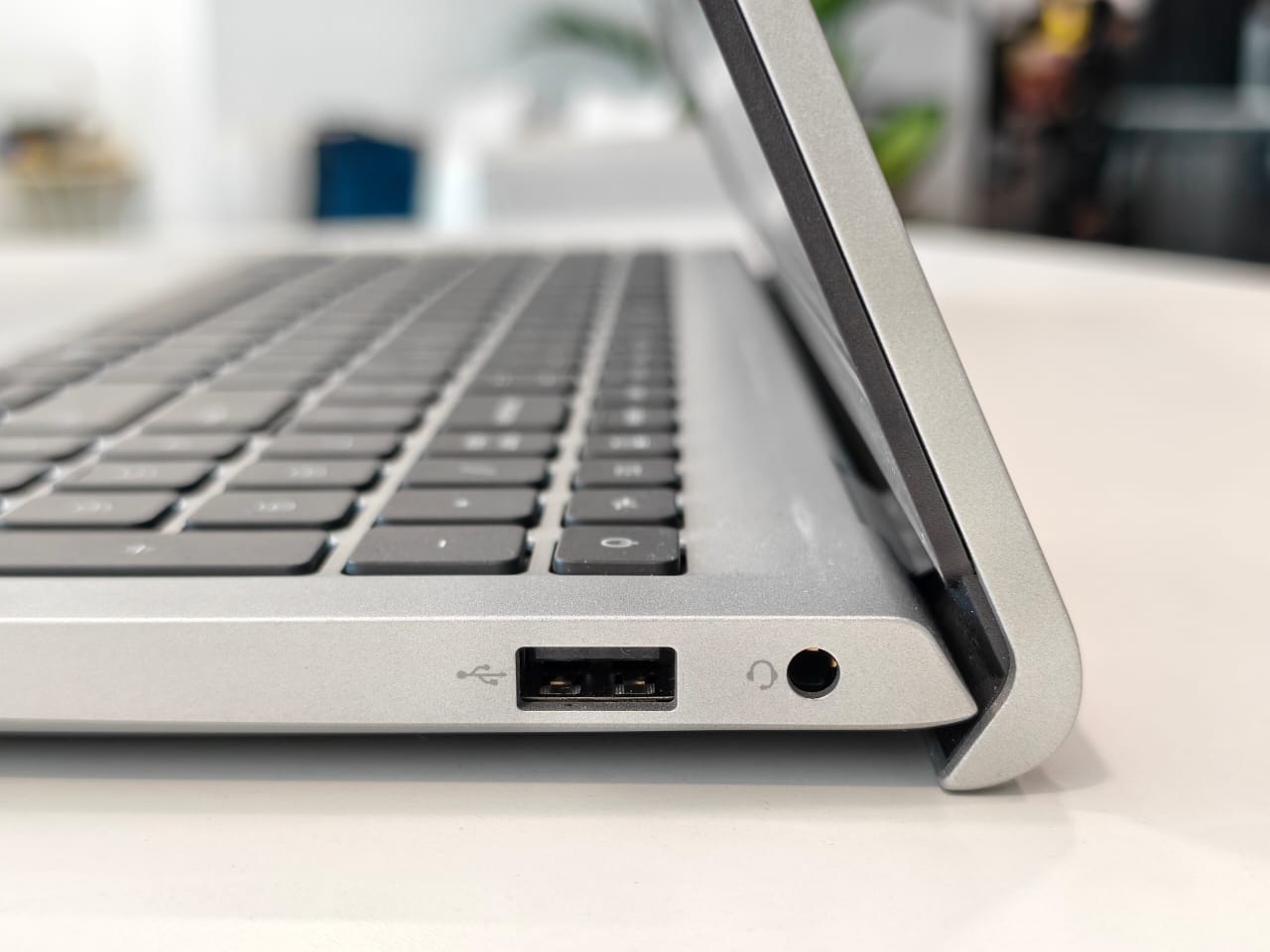
Meanwhile, the right side includes a USB 2.0 Type-A port for accessories and a 3.5mm headphone and microphone combo jack.
Now let's jump into how the system performed.
Cinebench Benchmark Scores
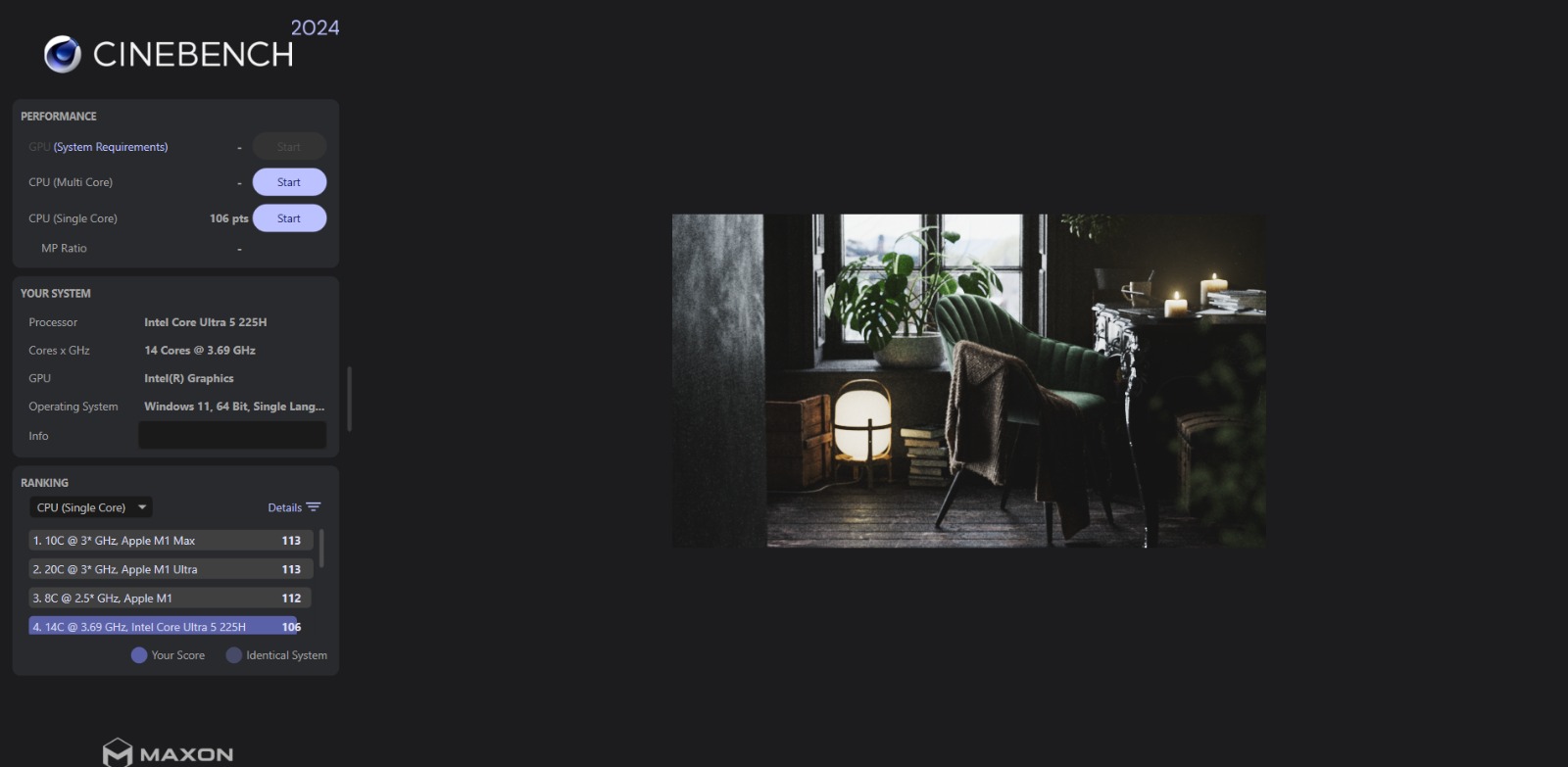
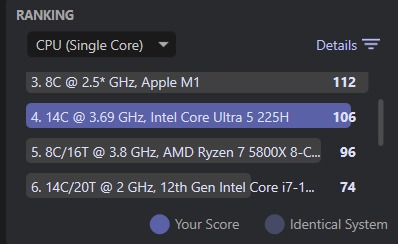
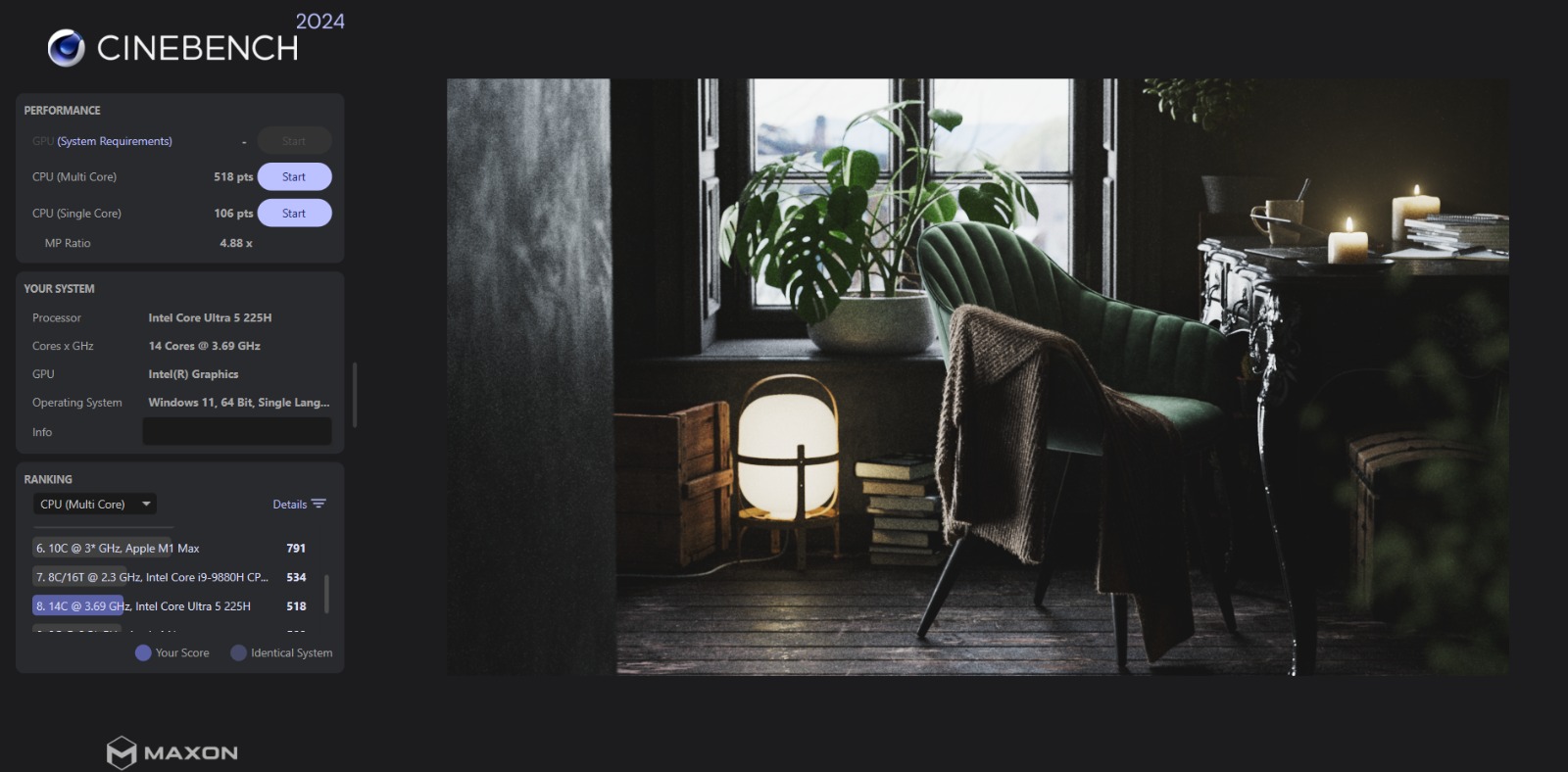
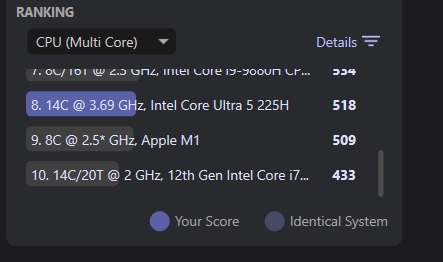
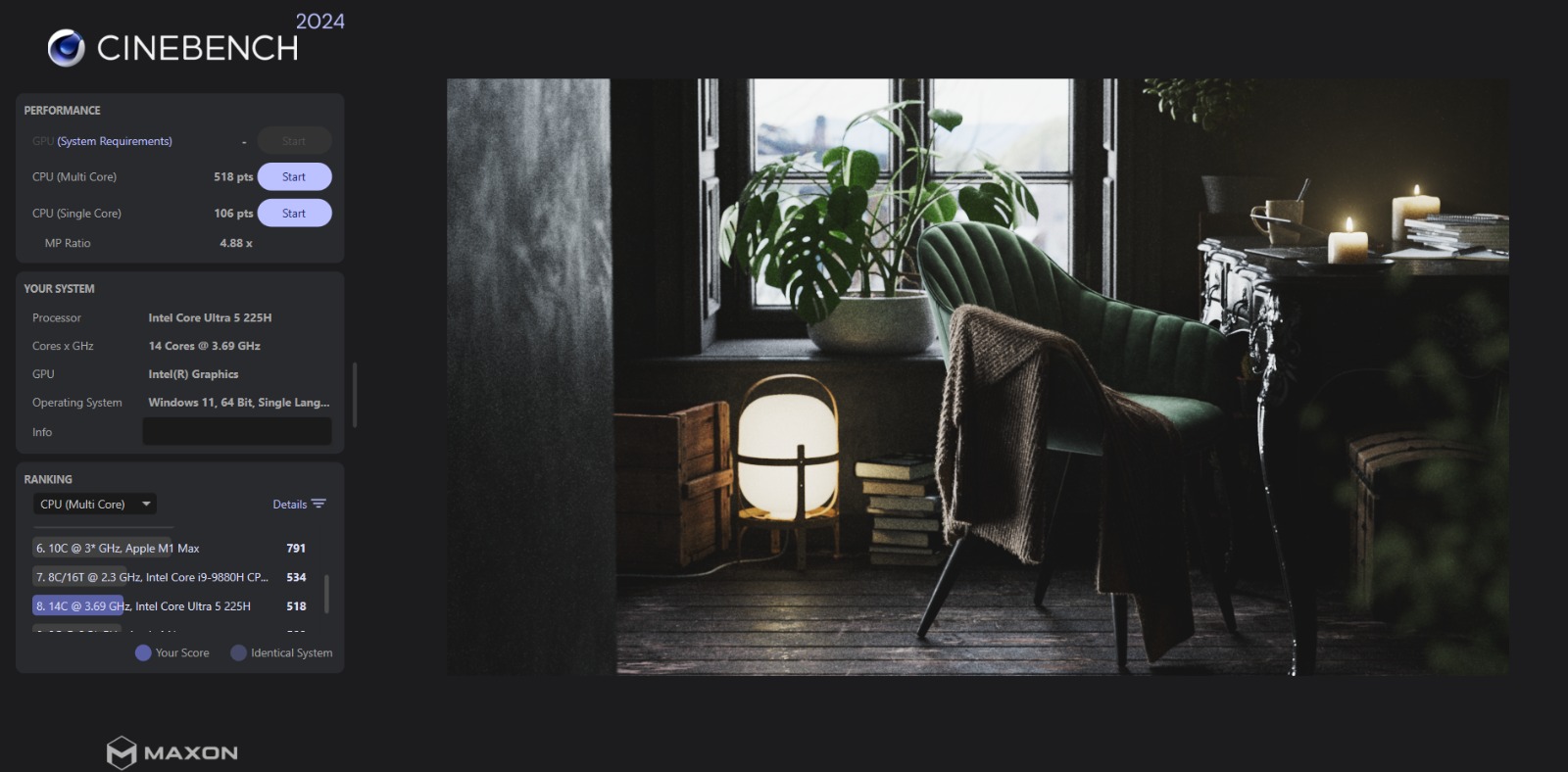
We tested the CPU capacity on Cinebench 2024, and in the single-core test, it was able to secure 106 points and was below only the Apple M1 Max, Ultra and the base M1, which had scores of 113, 113 and 112, respectively. The chip was performing better than the Ryzen 7 5800X, which is an 8-core processor, and its own 12th gen Intel Core i7, which had the scores of 96 pts and 74 pts, respectively. As far as multi-core performance is concerned, the performance saw a dip, and the silicon lagged behind M1 Ultra and Max chips, Intel Xeon, Intel i9, AMD Ryzen Threadripper and even AMD Ryzen 7 5800X 8-core. But it was able to perform better than the base M1 chip and 12th gen i7 processor. The images for the following have been attached below.
Graphics Capability
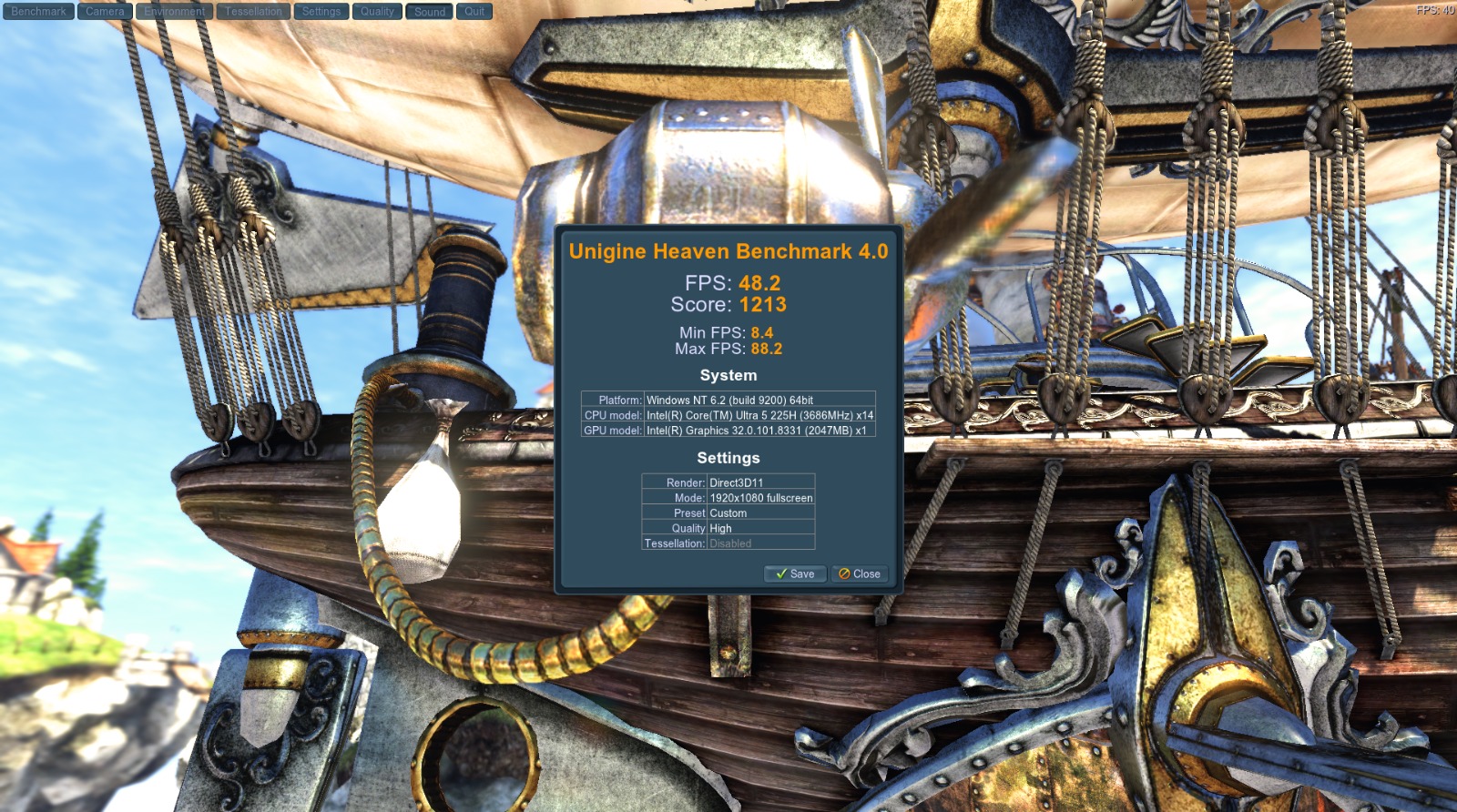
Upon testing on the Unigine Heaven benchmark 4.0, the system was able to deliver a maximum of 88.2 FPS and a minimum of 8.4 FPS on 1080p resolution and high-quality settings. The image is attached below.
Now let's jump into how the device actually performed with games.
Red Dead Redemption 2 Testing
As mentioned before, this is not a gaming PC, and the VRAM (shared) is also not that high, so it's understandable that it was not able to crunch numbers on a heavy AAA title like RDR2. On balance we got 16-20 FPS, and it was not playable at all with constant FPS breaking down. When we turned quality down to favour performance, we got a boost, and it was able to give 21-24 FPS at max, which made it a little more playable, but still with more environment to render, the frame rate dropped drastically. At lowest settings the system was able to achieve 24-30 FPS, which is playable if you are a very casual gamer and not finicky about it, so it's like having PS2-PS3 level frame rates. The fan also started making a noise, but it was not too much and quite sustainable, which was surprising for me as I was expecting it to be like a jet exhaust. But still, for a casual gamer, this can do the job on the lowest settings, but still, it will not be a very smooth gameplay experience.




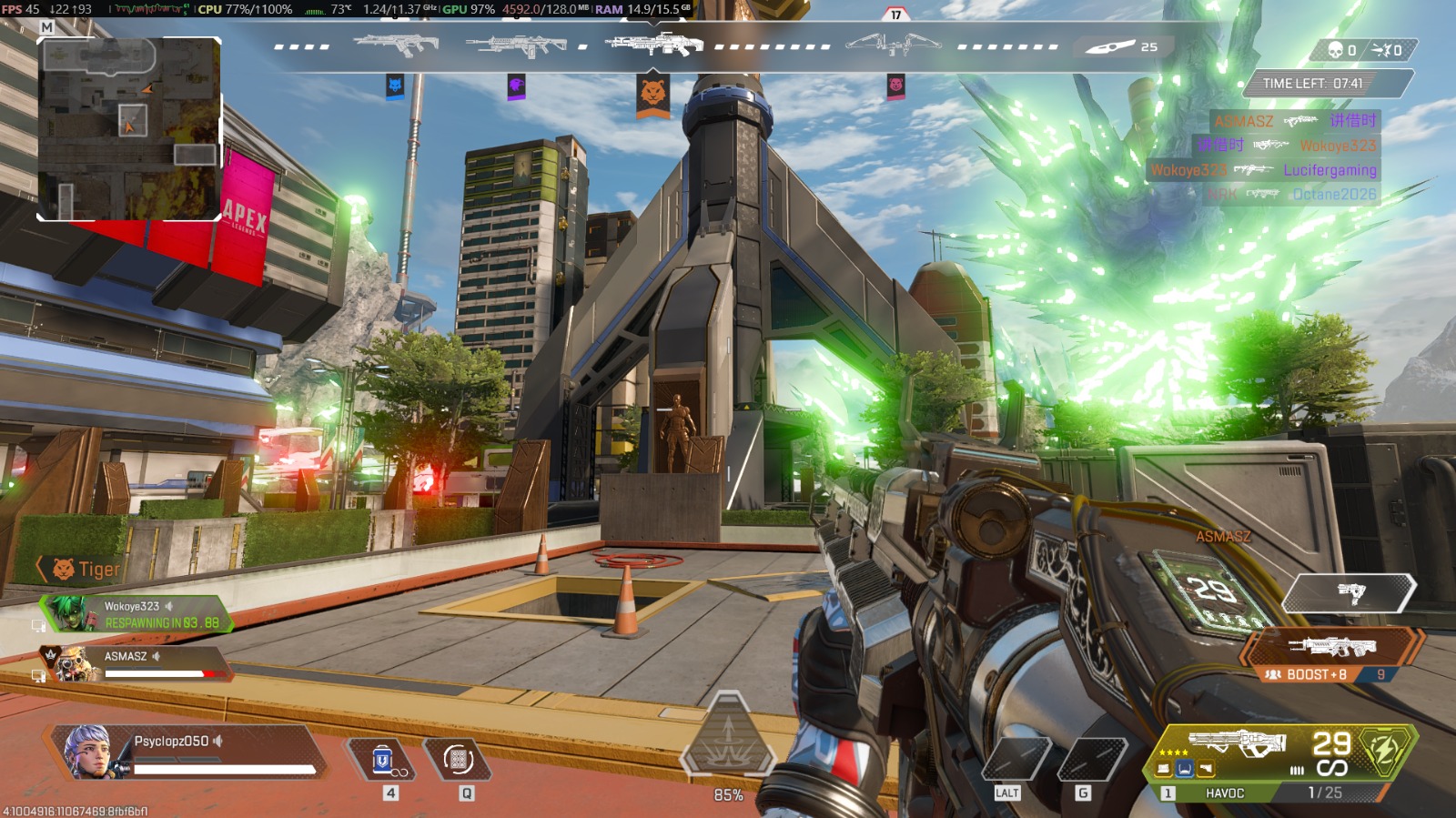
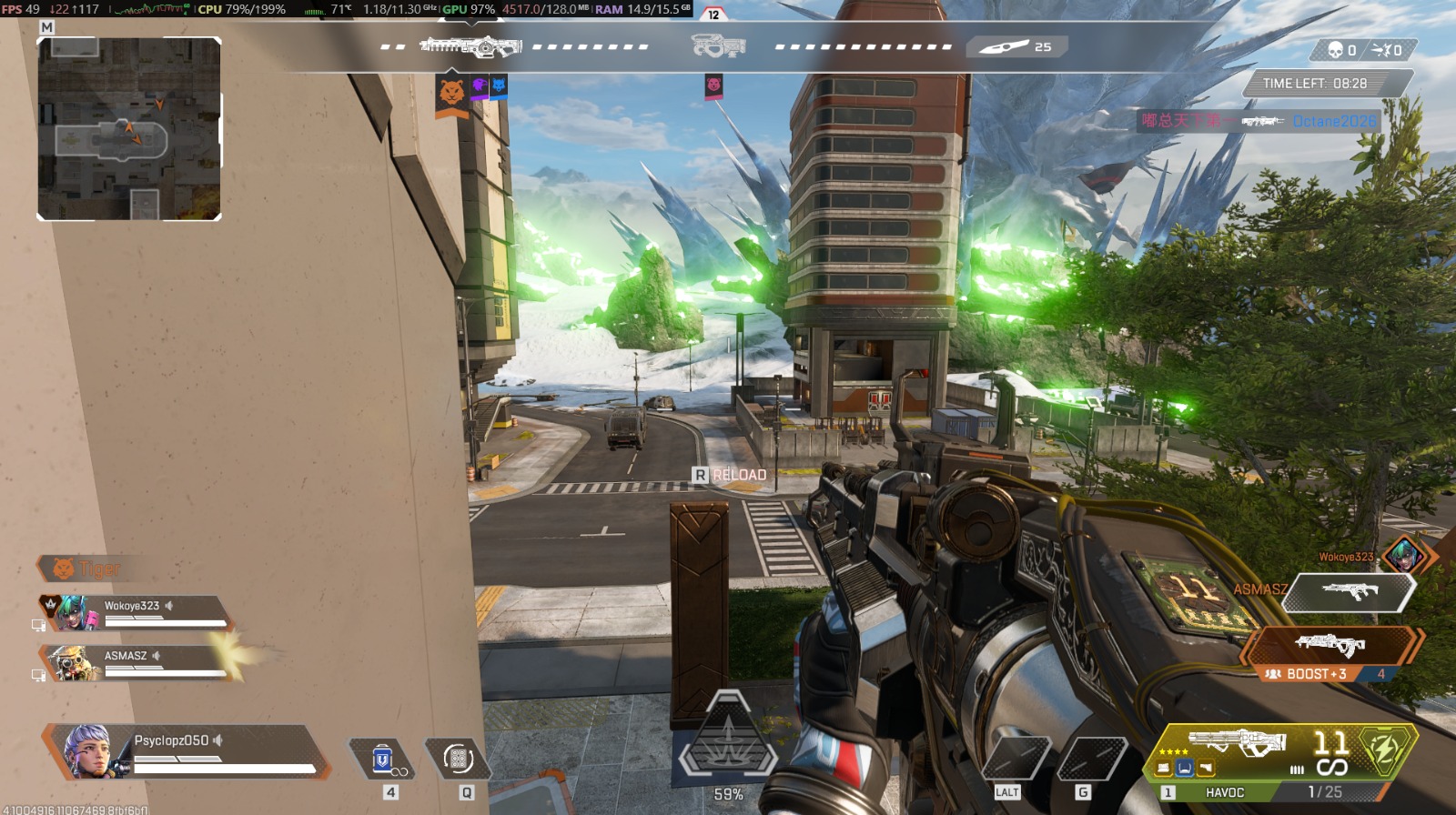
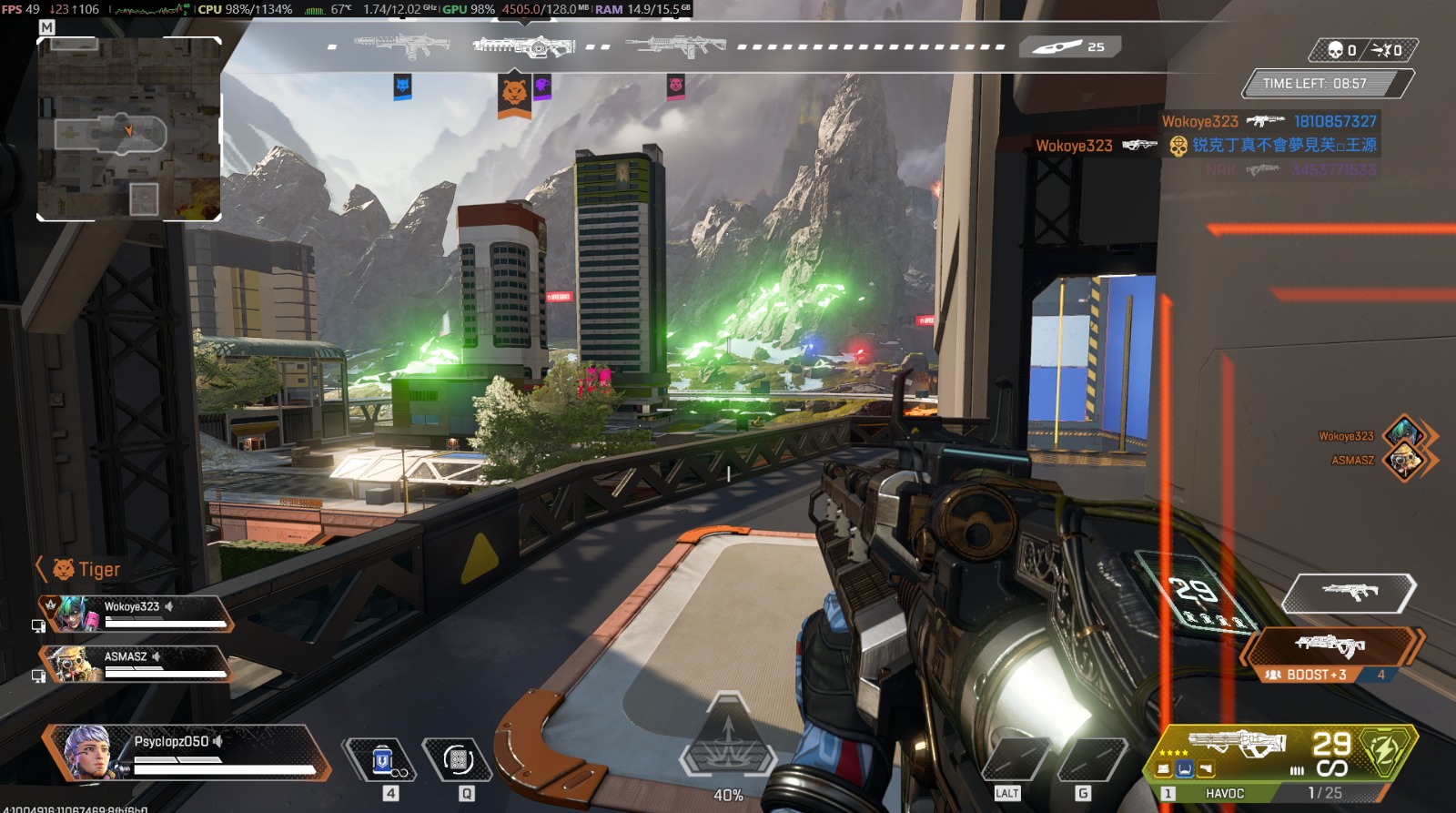
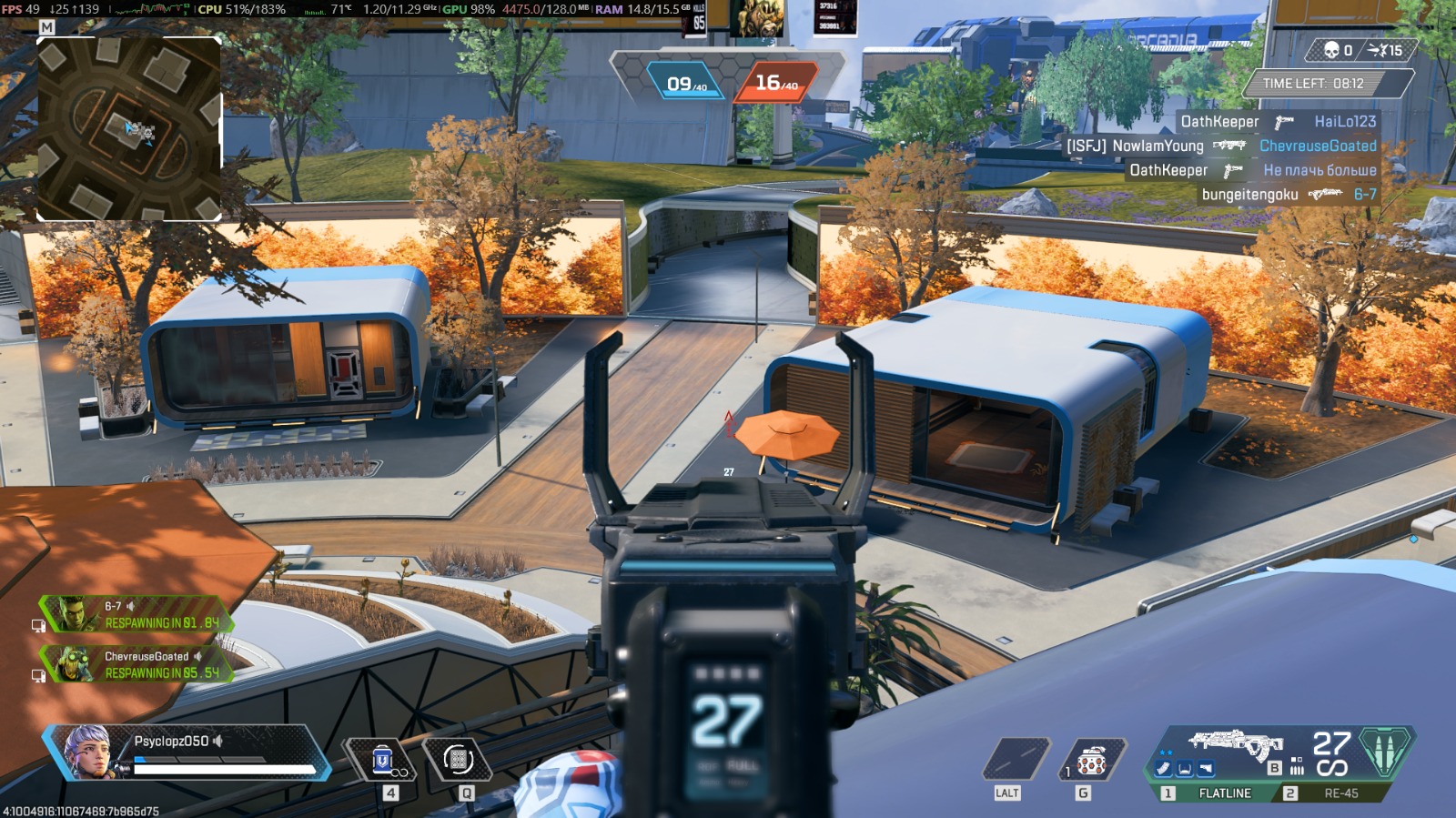
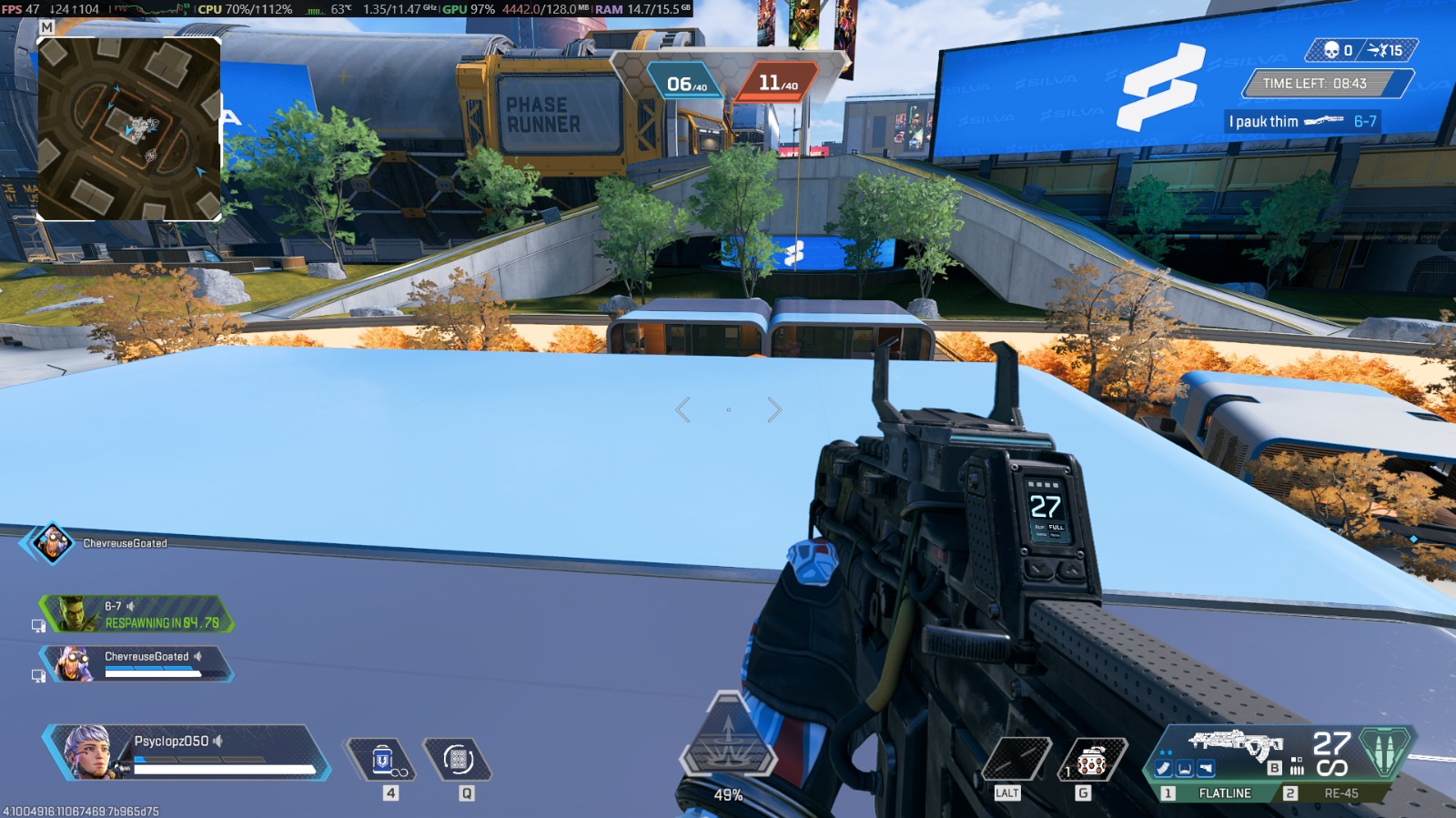
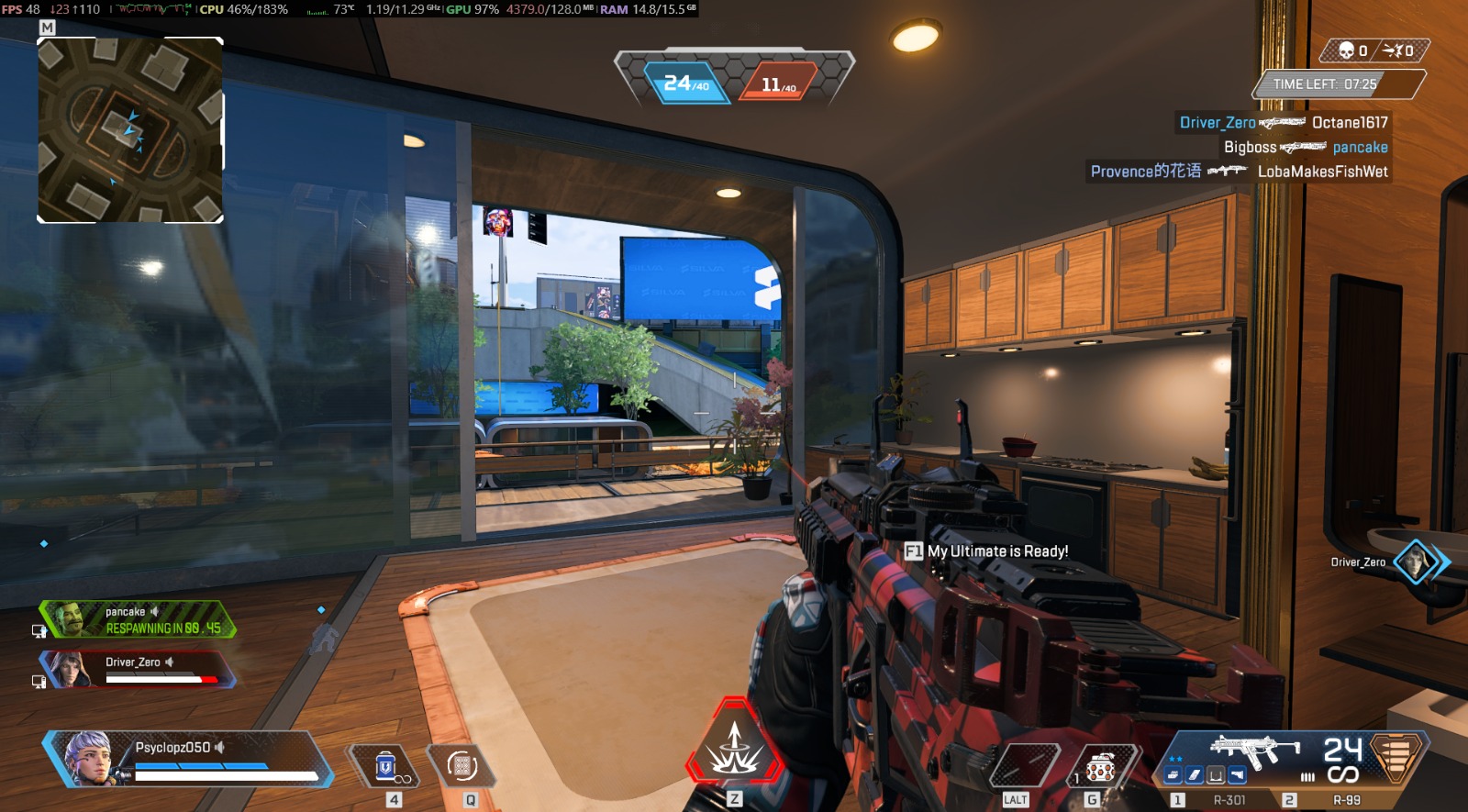
We also tried a multiplayer title, Apex Legends, and here the system was able to handle things much better, and it was actually playable and enjoyable. Yes, it's not a 4K 144Hz experience, but if you are bored on a flight and have wifi, you can easily play games like this with no stress. On medium settings we were getting 35-45 FPS, although there were some frequent FPS drops, but that stabilised afterwards. On a low 2-3GB setting it was able to give 40+ FPS constantly, reaching up to 49-50 FPS, so it is quite playable if you are a casual gamer.
Daily Usage
The laptop performs well in normal conditions and is quite capable of handling daily workloads. Data transfer speeds are good for big files as well. As far as daily video streaming is concerned, the display is good enough for what it provides, and on medium brightness playing 1080p videos, the laptop can last 7-8 hrs. That is due to its small 3-cell 41Whr battery, but it's still good enough for streaming.
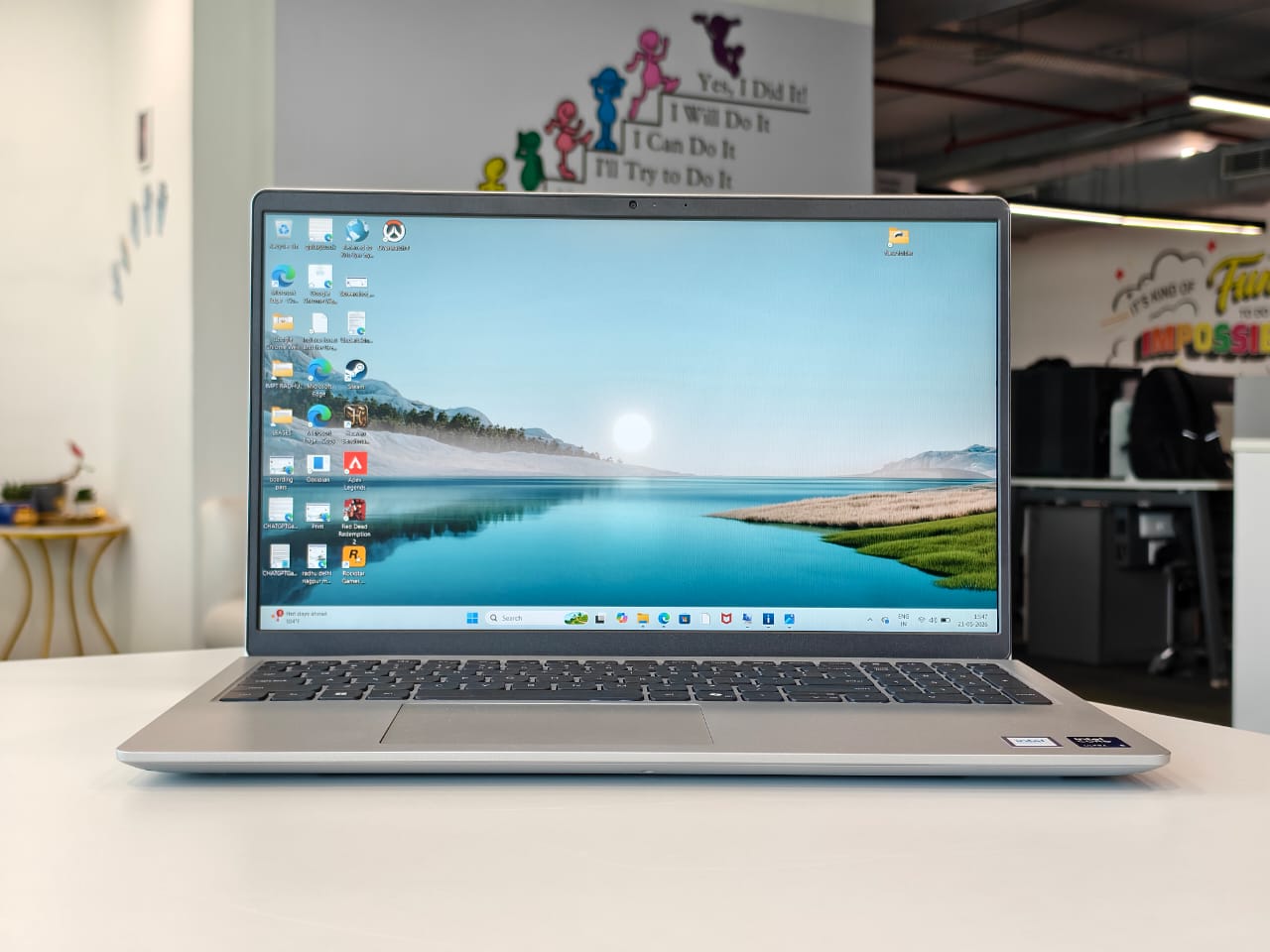
As far as sound is concerned, the laptop has a down-firing speaker setup on the extreme right and left sides, and there is a small downside of voice getting muffled, and the speakers themselves are not very loud, although they have good clarity, and you will be able to differentiate the highs and lows properly.
ALSO READ: BenQ Launches MOBIUZ EX321UZ 4K QD-OLED Gaming Monitor In India: Check Price And Specs
All in all, this device is perfect for daily workloads and usage and can handle multiple tasks at a time. The added Copilot hotkey on the keyboard is a good addition and lets users quickly jump to the AI assistant, and with its 14 logical cores and 1 NPU, the processing is faster, and it can perform AI-related tasks with ease. Yes, it's not a gaming laptop, but your Excel sheets, PPTs and Docs will be easily taken care of, so it's perfect to take on your office workloads, some casual gaming and video streaming as well. So I'll give it a rating of:
7/10.