
- By Ridam Sharma
- Thu, 27 Aug 2026 05:52 PM (IST)
- Source:JND
Raksha Bandhan 2026 AI Prompts are a perfect way to share stunning, high-end Rakhi pictures across social media. This year, Raksha Bandhan 2026 will be celebrated on 28th August 2026, making it a perfect occasion to share festive pictures with your brother or sister. Here is a list of seven Google Gemini photo editing prompts to create festive pictures with your brother or sister on Rakhi 2026.
7 Raksha Bandhan 2026 AI Prompts Using Google Gemini
1. A cinematic Raksha Bandhan portrait set against a golden hour sunset, preserving 100% facial identity and face lock from the reference photo. A sister adorned in an ornate maroon and gold lehenga with jhumka earrings gently ties a decorative Rakhi thread around her brother's wrist. The brother, dressed in a sharp navy blue bandhgala suit with a gold brooch, holds a gift wrapped in gold ribbon and smiles down at her. In the background, a majestic heritage palace facade stands under a glowing sunset sky with shades of pink and orange. Photorealistic, rich colour palette, dramatic warm lighting, 9:16 vertical aspect ratio.
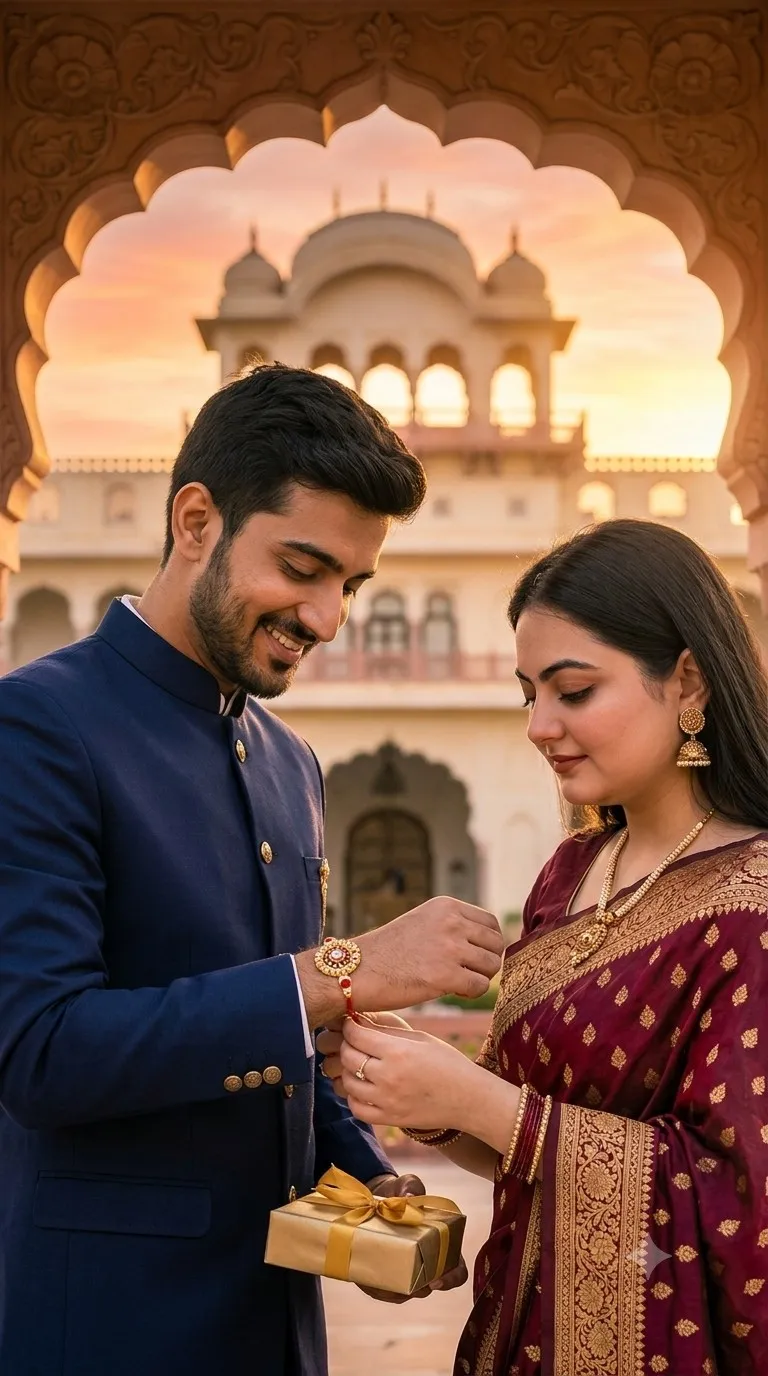
Raksha Bandhan AI Prompts (Image Created By Google Gemini AI)
2. Use the faces of the two people in the uploaded photo. Keep their facial features, skin tone, and expressions as accurate as possible. Place them in a traditional Indian Raksha Bandhan setting. The person on the right should be dressed in a deep red Banarasi silk saree with gold jewellery, a gajra in her hair, and mehendi on her hands — she is lovingly tying a designer rakhi on the wrist of the person on the left, who is wearing a cream embroidered sherwani with a red tilak on his forehead and holding a gift box. They are seated on a marble floor with a floral rangoli. Photorealistic, 8K ultra quality, warm cinematic lighting.
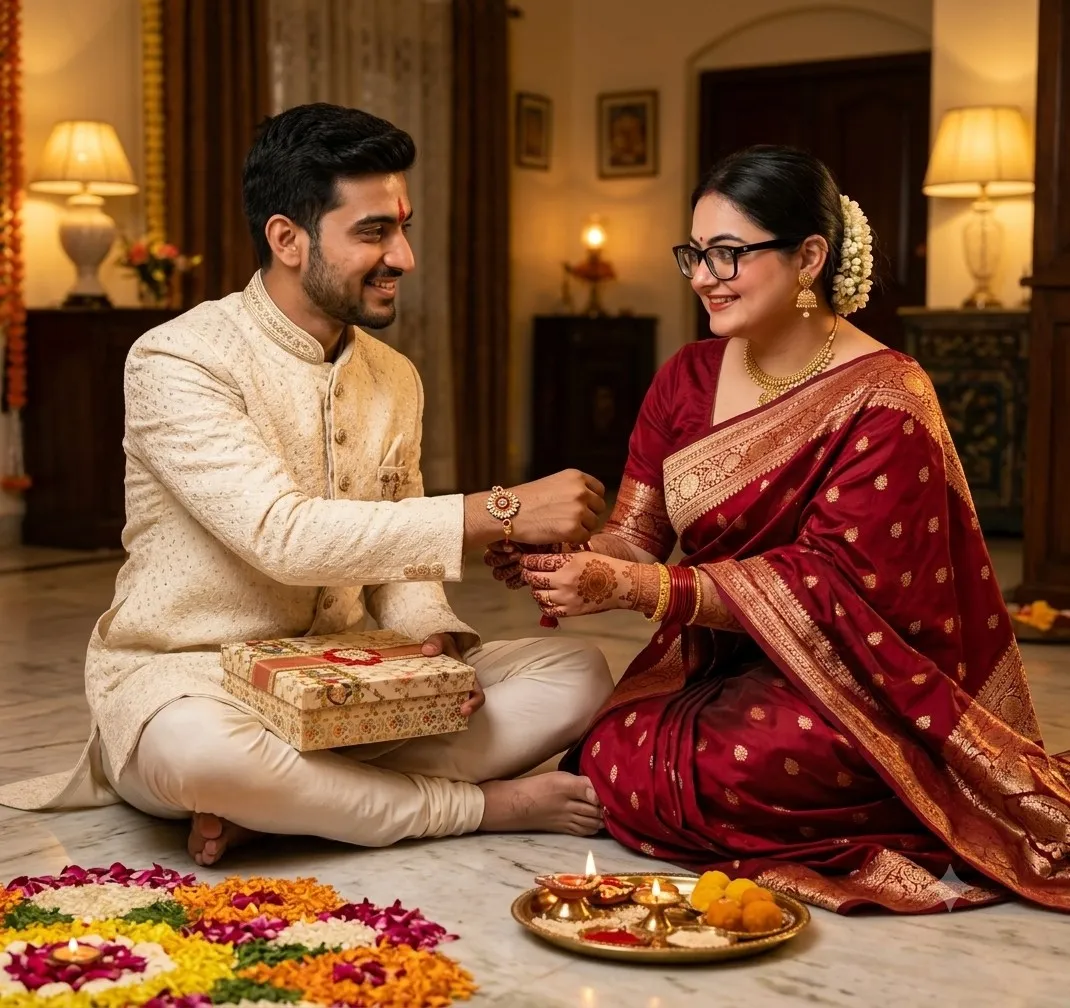
Rakhi 2026 AI Prompts (Image Created By Google Gemini AI)
3. BROTHER and SISTER faces locked to uploaded images, 100% matched identity, unchanged facial features, hairstyle, age, skin tone. Sister dressed in elegant traditional Indian attire, lovingly feeding a Laddu sweet to her smiling brother in a traditional ethnic outfit. Joyful Raksha Bandhan celebration, decorated festive background with abundant marigold flowers, glowing diyas, intricate colourful rangoli patterns, rich Indian festive decorations. Golden-hour sunlight softly illuminating the room, cinematic premium DSLR portrait, shallow depth of field, HDR, ultra-detailed textures, luxury colour grading, realistic shadows, 8K Ultra HD, 85mm lens, authentic emotions, masterpiece quality.
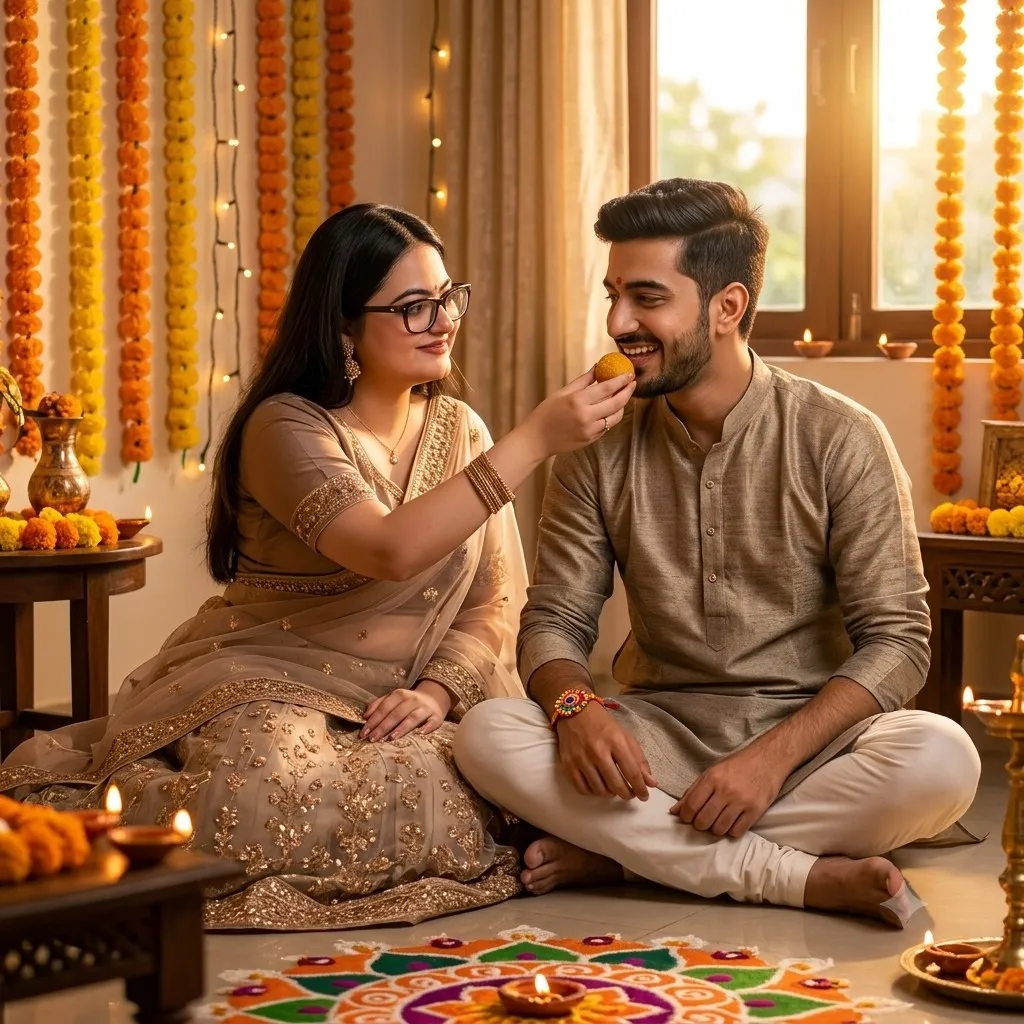
Raksha Bandhan Picture With Brother (Image Created By Google Gemini AI)
4. Luxurious Raksha Bandhan celebration with STRICT IDENTITY LOCK: the brother (using the uploaded image as the sole reference) is happily presenting a beautifully wrapped gift box to his sister (using the uploaded image as the sole reference) after the Rakhi ceremony. Both faces, expressions, hairstyles, skin tones, and facial features are preserved with 100% accuracy. The sister is smiling with excitement, holding a Rakhi thali. Elegant festive Indian home decorated with vibrant flowers, sparkling fairy lights, and glowing diyas. Both are dressed in premium traditional Indian outfits, highlighting a rich festive atmosphere. Cinematic lighting, realistic skin tones, natural colours, creamy bokeh background blur, premium DSLR look, HDR, ultra-sharp details, 8K Ultra HD, Sony Alpha 1, 85mm f/1.4 lens, photorealistic masterpiece.
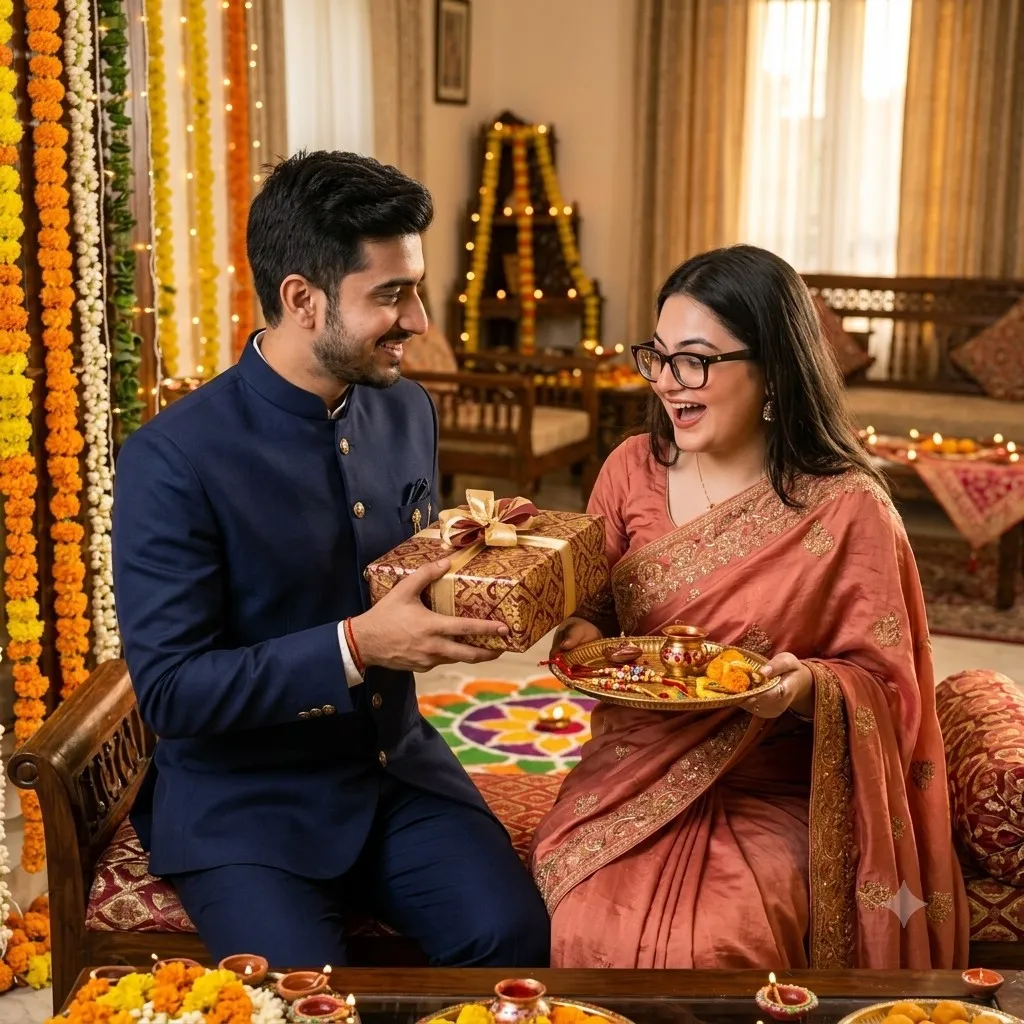
Raksha Bandhan AI Images With Brother (Image Created By Google Gemini AI)
5. Transform the uploaded siblings into an elegant Raksha Bandhan portrait while preserving their exact recognisable facial features and natural body proportions. The brother wears a deep maroon kurta with subtle gold embroidery, and the sister wears a royal blue traditional Anarkali dress with delicate gold details. They stand closely together, smiling naturally at the camera. The sister gently holds a decorated Rakhi thali while the brother slightly raises his wrist to show a beautiful Rakhi. Background filled with warm marigold garlands, glowing diyas, soft fairy-light bokeh, and tasteful Indian festive decorations. Premium portrait photography, warm golden lighting, realistic skin texture, 85mm lens look, shallow depth of field, symmetrical composition, photorealistic, no text.
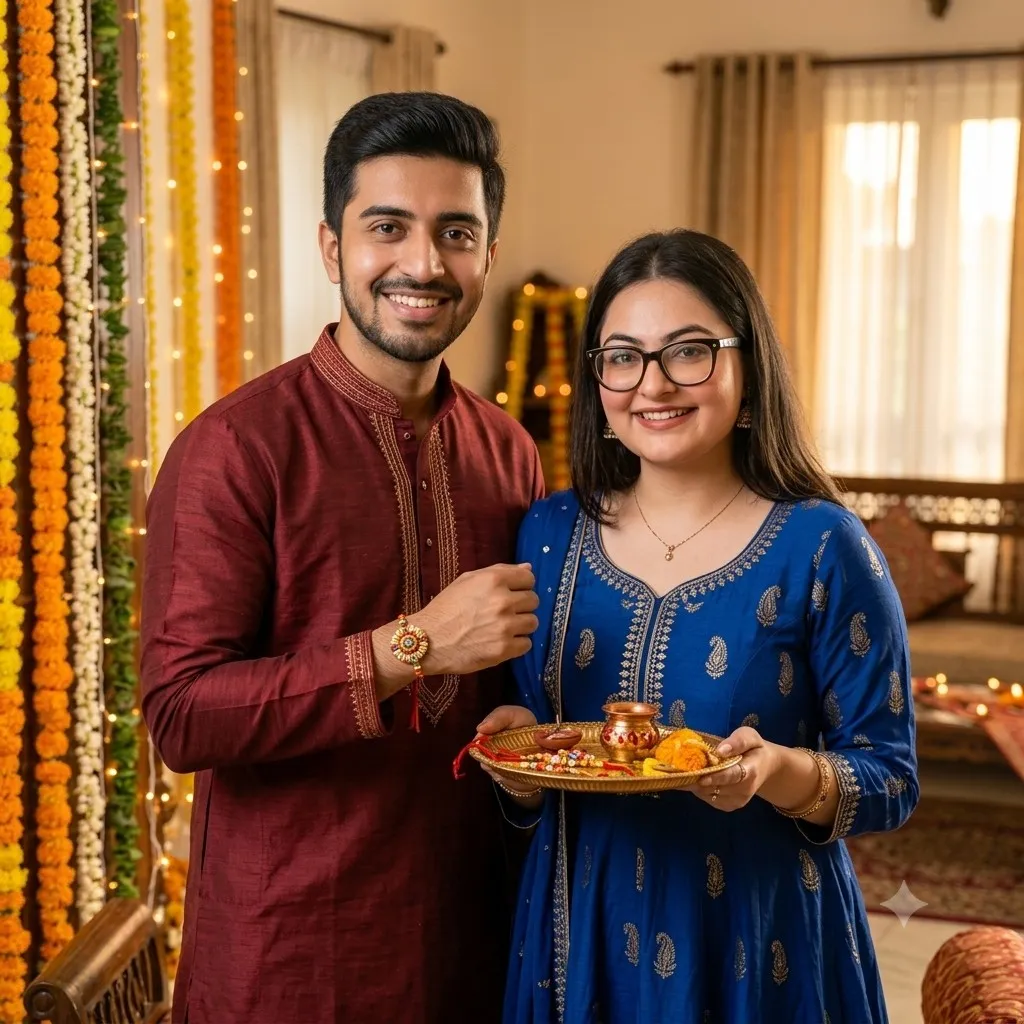
Raksha Bandhan Gemini Picture Prompt (Image Created By Google Gemini AI)
6. Transform the uploaded brother-and-sister photo into a joyful Raksha Bandhan portrait while keeping both faces, hairstyles, skin tones, and recognisable features consistent. Show the siblings sitting closely together after the Rakhi ceremony. The brother gently places one arm around his sister's shoulder while she leans slightly toward him, both laughing naturally. A colourful Rakhi is clearly visible on his wrist. Dress the brother in a pastel peach kurta and the sister in a vibrant pink traditional outfit. Include a festive thali, sweets, flowers, glowing diyas, and marigold decorations nearby. Warm home atmosphere, spontaneous sibling chemistry, candid Indian family photography, soft golden lighting, realistic skin and clothing, emotional but natural, photorealistic.
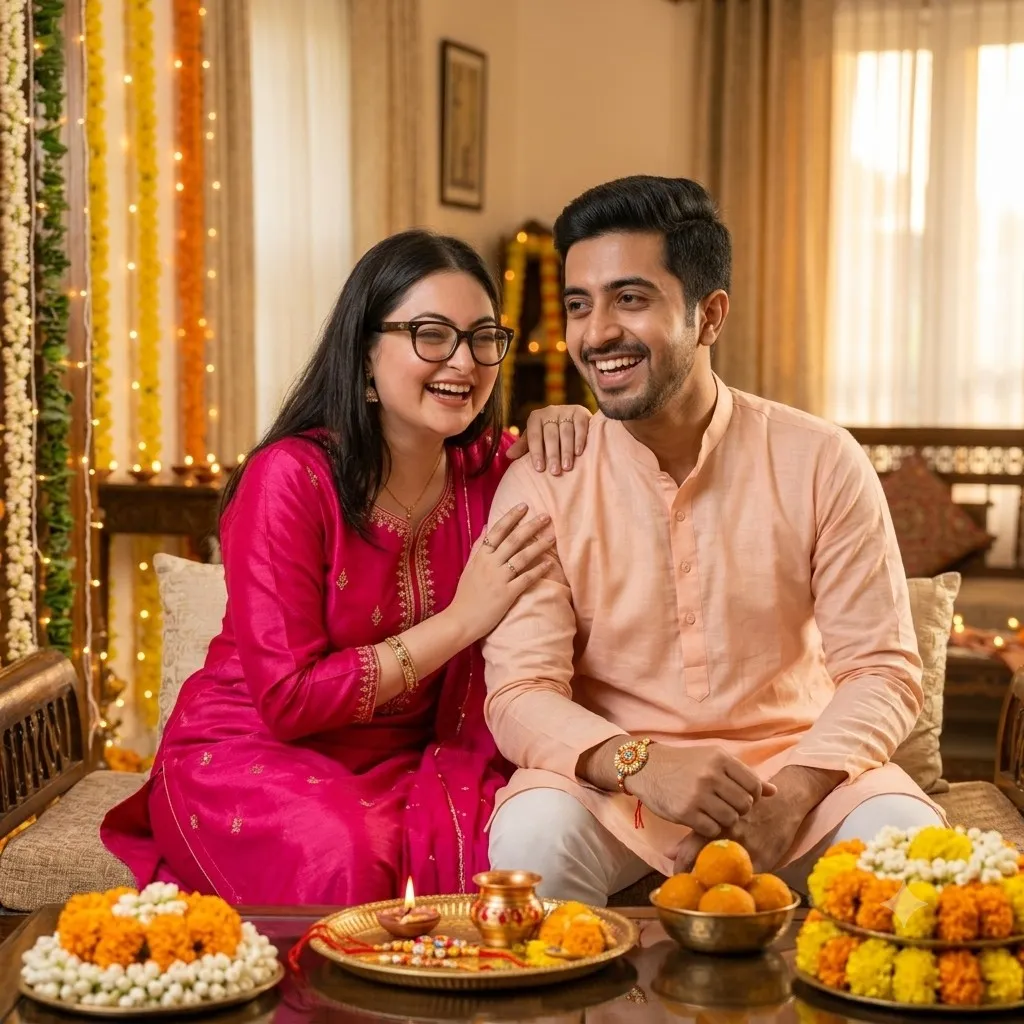
Raksha Bandhan Picture Prompt (Image Created By Google Gemini AI)
ALSO READ: Raksha Bandhan 2026: 7 Last-Minute Rakhi Gift Ideas For Your Sibling Delivered Under 30 Minutes
7. Create a premium-looking Raksha Bandhan award poster for my sibling titled '[Family Secret Keeper/Champion Food Stealer/Best Emergency Advice-Giver]'. Use the uploaded photograph as the identity reference. Make it affectionate, humorous and celebratory, with subtle festive details such as a rakhi, mithai and marigolds.
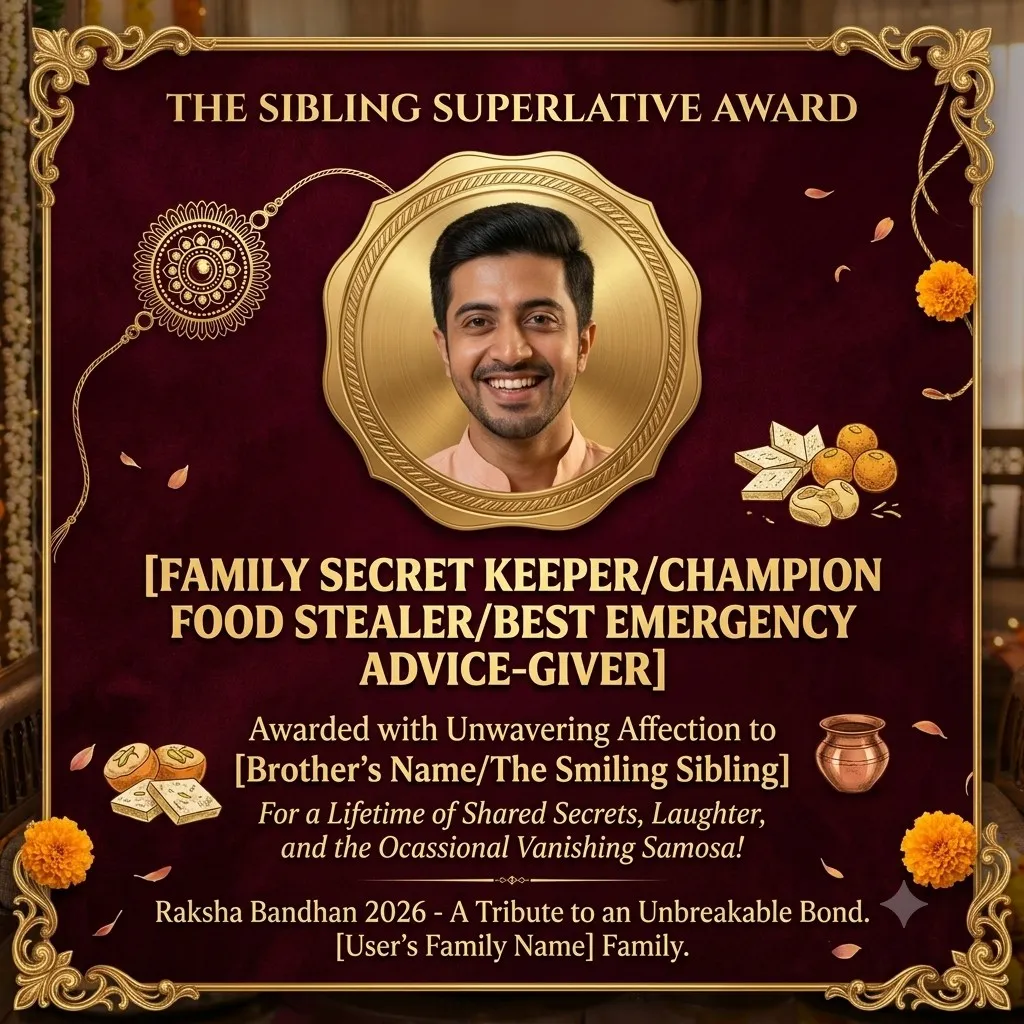
Raksha Bandhan award poster (Image Created By Google Gemini AI)
ALSO READ: Raksha Bandhan 2026: 5 Things You Should Not Do On This Auspicious Day
Lastly, thanks to Google Gemini’s photo-editing tool and copy-paste prompts listed above, it is now simple to transform regular photos taken on phones into poster-style pictures. These prompts are especially useful if your siblings live away; through these prompts, you can still create moments to post online and share with your sibling.
FAQs
How To Use Gemini For Raksha Bandhan Photo Editing
Simply open the Google Gemini website, upload your preferably front-profile, good-quality picture of you and your brother, and finally copy and paste the prompt you like the most, and it will generate your Rakhi picture. You can also give commands to edit the picture if you don’t like something about it.
How To Make Your Raksha Bandhan Pictures Look Festive
With festive floral decorations, ethnic outfits, Rakhi highlighting in the picture, and wide smiles, you can surely make your Raksha Bandhan pictures look festive.