
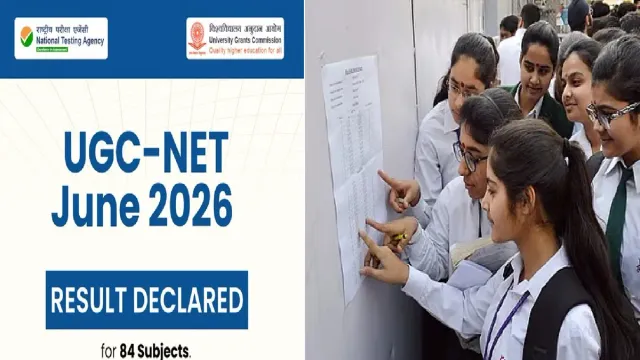
- NTA declares UGC-NET June 2026 results for 84 subjects.
- Scorecards available on ugcnet.nta.nic.in for download and print.
- English, Commerce, Sociology results after Sep 9-10 re-exams.
UGC-NET June 2026 Results: The National Testing Agency (NTA) on Friday declared the UGC-NET June 2026 results for 84 subjects. The examination agency said results and score cards were available on the official UGC-NET website.
Check Results Here:
Candidates can login to https://ugcnet.nta.nic.in to view, download and print their Score Card.
"Candidates from English, Commerce and Sociology subjects, whose examinations are scheduled to be re-conducted on 09 and 10 September 2026, may receive an "Invalid Application Number/Password" message in case they attempt to access the UGC-NET June 2026 Scorecard. The scorecard/ result for these candidates will be made available ONLY after the re conduct of their examination," the NTA said in a statement.
UGC-NET June 2026 Results
— National Testing Agency (@NTA_Exams) August 28, 2026
The National Testing Agency has declared the UGC-NET June 2026 results for 84 subjects today, 28 August 2026.
📌 Results/Score Cards are available on the official UGC-NET website.
Candidates can login to https://t.co/roExIJGkUd to view, download and… pic.twitter.com/okpE5ITJgw
The results have been declared after weeks of uncertainty over the exams as NTA had announced to conduct re-examination for three subjects due to errors.
ALSO READ: NEET Paper Leak Controversy: Centre Appoints 3 New Officers To Key NTA Posts Amid Overhaul
Examination Dates
The UGC-NET June 2026 examinations were conducted between June 22 and June 30 across the country. The UGC-NET examinations are conducted to determine the eligibility of Assistant Professor and Junior Research Fellowship (JRF). The NET qualification is a pre-requisite for PHD admissions in several universities.
Recommended For You
How To check results
- The UGC-NET aspirants who appeared in June cycle can check and download their scorecards by following these steps:
- Visit the official NTA website for UGC-NET website: https://ugcnet.nta.nic.in
- Click on the UGC-NET June 2026 Result link on the homepage.
- Enter your Application Number and Date of Birth.
- Fill the captcha and click on Submit
- Your UGC-NET scorecard will appear on the screen.
- Students must download the result PDF and take a printout