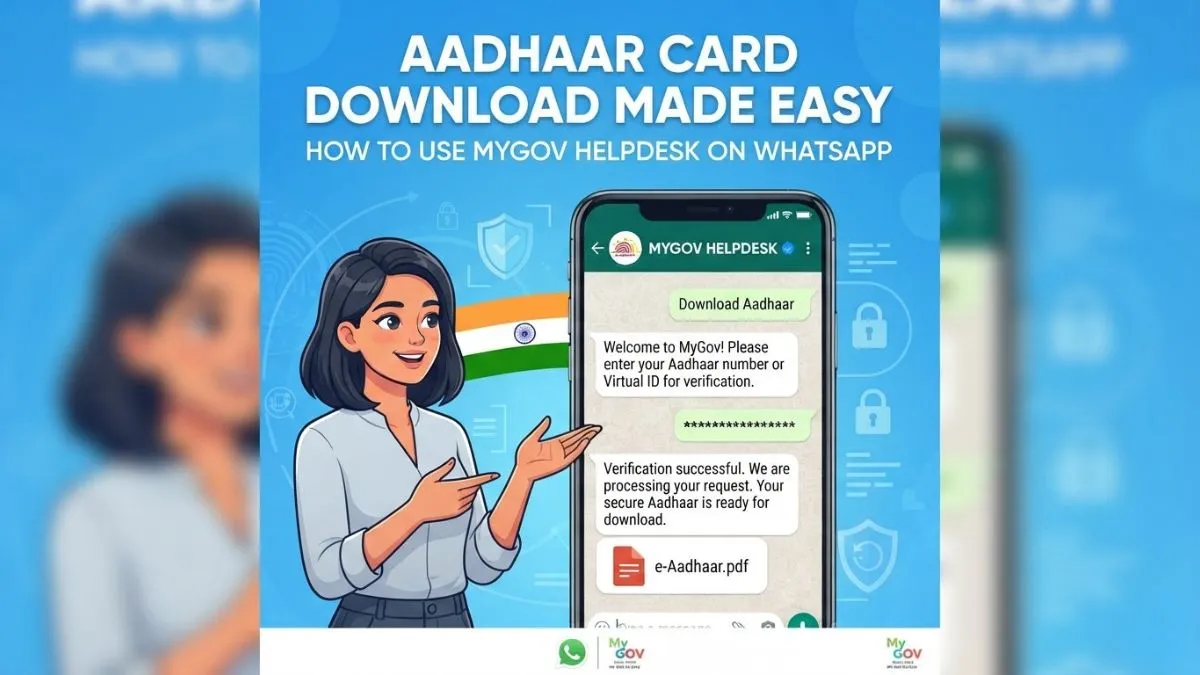
- Download Aadhaar card easily through WhatsApp MyGov Helpdesk.
- Save MyGov number, send 'Hi', access DigiLocker services.
- Enter Aadhaar, verify OTP, get digital Aadhaar copy.
Accessing your Aadhaar Card has become easier, as the document can now be avail at Whatstapp. This eliminates the hurdle of navigating the UIDAI website and the complex steps to download Aadhaar in case you forget the original one at home. The process can be completed through the Indian government's MyGov service.
Step-By-Step Guide To Download Aadhaar Via WhatsApp
Step 1: You have to save the Government of India's MyGov Helpdesk number, +919013151515, to your phone's contact list.
Step 2: Now open your WhatsApp app and send ‘Namaste" or "Hi" to the Helpdesk number that you saved.
Step 3: You'll receive an auto-reply from MyGov with two options: COWIN Services and DigiLocker Services. To download your Aadhaar card, click the DigiLocker Services button.
Step 4: Then, confirm your DigiLocker account. If you don't have one, create one first.
Step 5: Next, you'll need to type in your 12-digit Aadhaar number.
Step 6: An OTP will be sent to the registered mobile number linked to Aadhaar. Send it via SMS.
Step 7: Post OTP is verified, a list of all the documents associated with your DigiLocker account will appear on the screen. Select your Aadhaar Card from this list. Your Aadhaar card will be downloaded from WhatsApp.
This feature is a handy one as it eliminates the process of navigating the website that you probably are not familiar with. However, crores of people use WhatsApp on a daily basis, and they are familiar with its features and functionalities.
Also Read: Most Employees Overlook This: 5 Hidden Ways Your PF Acts As A Financial Shield
Aadhaar Requires
Aadhaar is one of the most important government documents that a citizen should have, as it has vast use cases, from opening a bank account, availing various government schemes, or booking a hotel room; it's required everywhere.
One more thing: you should always have Digilocker App in your phone. It can be easy for you to produce a digital version of your documents wherever they are required.